How to play FreeCell
The setup
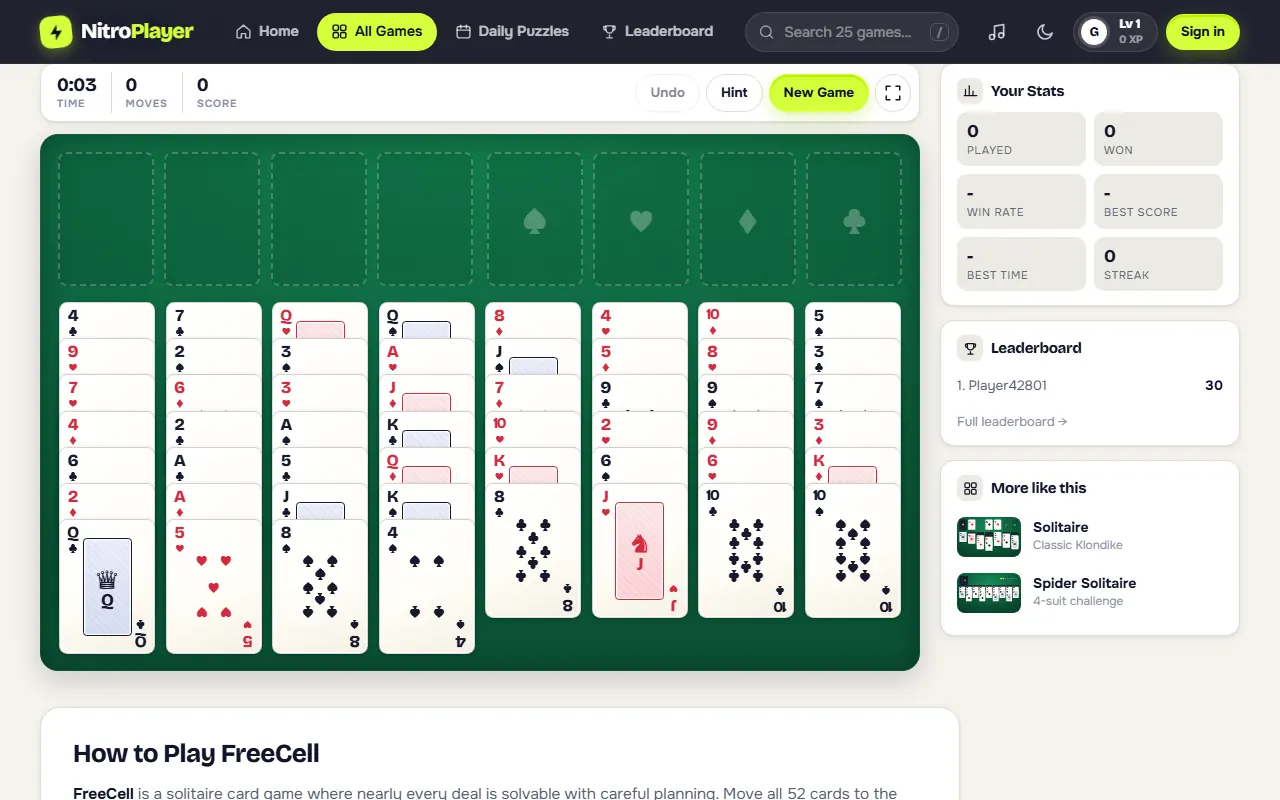
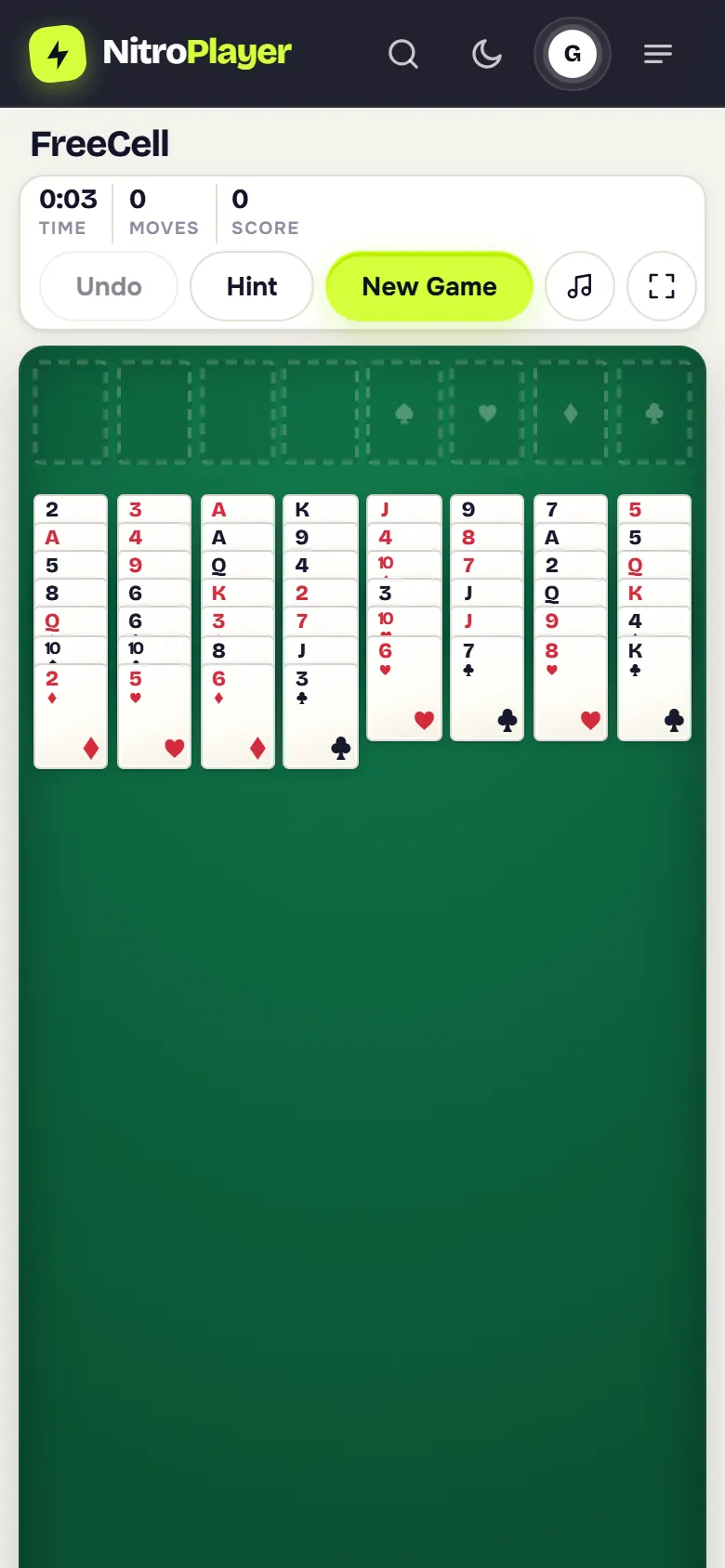
- The whole deck is dealt face up into eight columns: four of seven cards and four of six.
- Top left: four free cells, each holding one card.
- Top right: four foundations, one per suit, built from Ace up to King.
Step by step
- Select the bottom card of any column, or a card in a free cell, then select where it should go.
- In the columns, build down in alternating colors: a black 8 goes on a red 9.
- Any card can go into an empty free cell or an empty column.
- Aces start the foundations; then add the 2, 3 and so on of the same suit.
- Double-click or double-tap a card to send it straight to its foundation when it fits.
- You win when all 52 cards are on the foundations.
Rules and controls in this FreeCell
- One card per move: you move single cards. To shift a run, move its cards one by one through free cells and empty columns. That is exactly what the "supermove" shortcut in other versions does, so the same deals are solvable.
- Free cells hold one card each; empty columns accept any card, not only Kings.
- Undo takes your last move back, up to 200 moves, and the move counter goes back with it, so it always shows the length of the line you actually played.
- Hint lights up a card that can move and its destination, looking at foundations first, then builds, then a free spot. If nothing is possible, it tells you.
- Every solo deal is freshly shuffled. Only the Daily FreeCell and duels give everyone the same cards.
You earn 10 points for each card that reaches a foundation, so a finished game is worth 520 points. The move counter matters more than the score: fewer moves is the mark of a strong player.
FreeCell strategy
- Plan before your first move. All cards are visible. Spend a few seconds locating the Aces and 2s and how deep they sit.
- Free cells are a resource, not storage. Each parked card reduces your options. Try to keep one or two cells empty.
- Empty columns beat free cells. A cell holds one card, while an empty column can hold a whole rebuilt run. Emptying a column is often the turning point.
- Know your capacity. With only free cells, you can relocate a run of up to (empty cells + 1) cards; every empty column doubles that. Count before starting a long transfer.
- Dig out low cards first. Target the column hiding a buried Ace or 2.
- Do not waste an empty column on a low card unless it clearly unlocks progress.
- Send cards home when it is safe. A card can go to its foundation without regret once both lower cards of the opposite color are already there.
- Check the last cell twice. Before filling your final free cell, make sure the move creates a new option.
| Empty free cells | Empty columns | Longest run you can move |
|---|---|---|
| 4 | 0 | 5 cards |
| 2 | 1 | 6 cards |
| 1 | 2 | 8 cards |
FreeCell duels
Because every card is visible, a duel is a clean test of planning speed. Choose Play online to race whoever is available, or Play with a friend to send a private link.
- Both players get the same deal and play on separate boards.
- A live bar shows how many cards the other player has on the foundations.
- The first to bring all 52 cards home wins. After 8 minutes, the higher foundation count wins, and fewer moves breaks a tie.
- Undo and Hint are off, so every move has to count.
Daily FreeCell challenge
A new Daily FreeCell deal appears every day, the same for all players. Open it from the daily puzzles page, solve it in as few moves as possible and compare your result with everyone else. The daily ranking is by moves, so plan the whole line before you start. Results also feed the leaderboards, and playing every day keeps your streak alive.
History of FreeCell
FreeCell grew out of older patience games such as Baker's Game, which Martin Gardner described in Scientific American in 1968. Paul Alfille created the modern game and programmed the first computer version in 1978 on the PLATO system at the University of Illinois.
It became famous through Microsoft Windows. Jim Horne's version shipped with Windows in the 1990s with 32,000 numbered deals, and players who worked through all of them found that only one, deal 11982, cannot be solved. That is why FreeCell is known as the solitaire where skill, not luck, decides the game.
FreeCell on a touch screen
FreeCell is a tap-tap game, which suits phones well: tap a card to select it, tap its destination, or double-tap to send it home. Landscape gives the eight columns more width. Install NitroPlayer to open FreeCell from your home screen without the browser bar. If you are interrupted, the deal waits for you exactly as you left it.
When you want a change of pace, try Spider Solitaire with one to four suits or the tile-matching puzzle Mahjong Solitaire.