How to play Minesweeper online
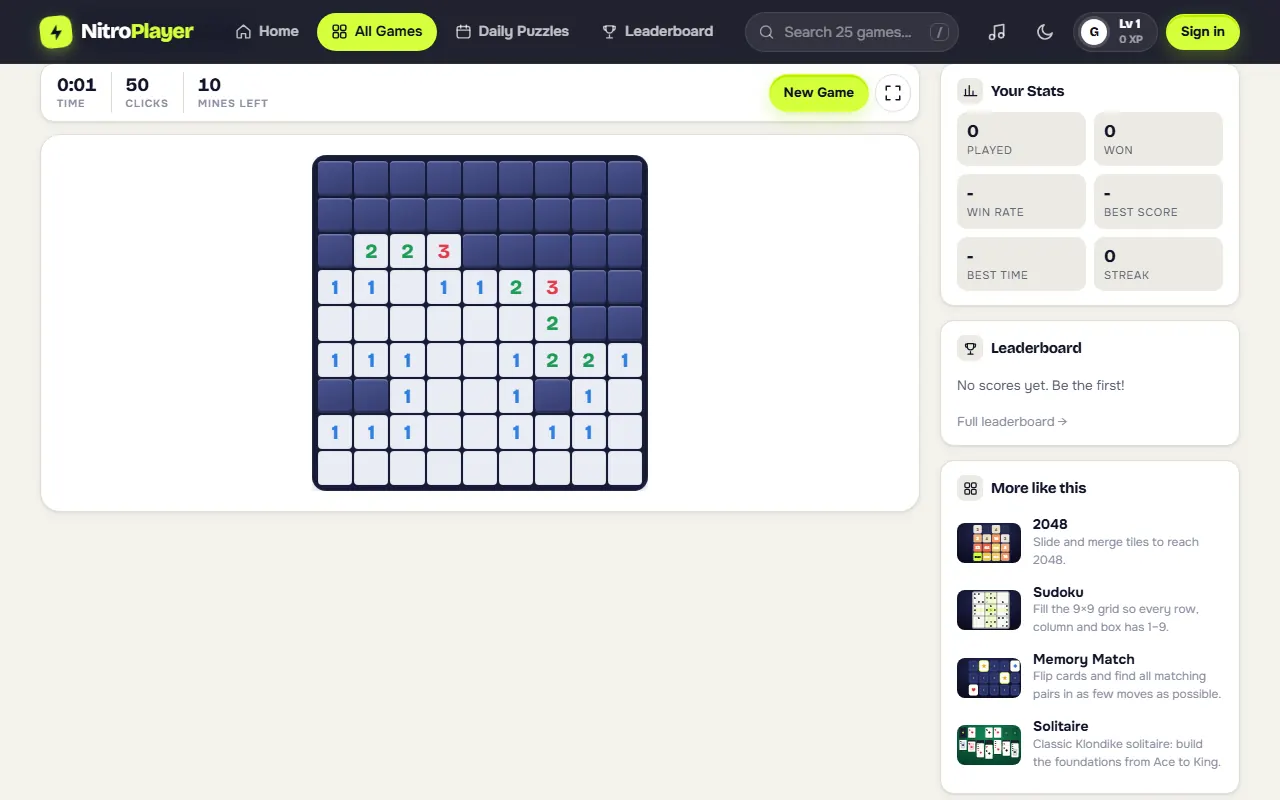
The board is a grid of covered cells, and some of them hide mines. Each safe cell you uncover shows how many mines touch it, counting all eight neighbors including the diagonals. A cell with no number has no mines around it, so the game opens its neighbors for you in a cascade.
- Reveal: left click, or tap on a touch screen.
- Flag: right click, or long-press on a phone. Do the same again to remove the flag.
- Chord: click a number whose mines are all flagged, and every other covered cell around it opens at once.
- Win: uncover every cell that is not a mine. Flagging the mines is optional; any left unflagged are marked for you when you win.
- Lose: open a mine and the board is revealed, with any wrong flags highlighted in red so you can see what went wrong.
Minesweeper levels: Beginner, Intermediate, Expert and Custom
The level menu above the board offers the three standard boards that classic Minesweeper players know, plus a custom size.
| Level | Board | Mines | Mine density |
|---|---|---|---|
| Beginner | 9 x 9 | 10 | about 12% |
| Intermediate | 16 x 16 | 40 | about 16% |
| Expert | 30 x 16 | 99 | about 21% |
| Custom | 5 to 30 wide, 5 to 24 tall | your choice | up to you |
Your level is remembered for next time, and so are your Custom settings. Minesweeper Expert is the classic test: 99 mines on 480 cells means the numbers are dense, and you will meet far more tricky patterns than on the smaller boards.
Game features
- Safe first click. Mines are placed only after your first click, never on that cell or the eight around it, so you always start with an opening rather than a lone number.
- Chording. Click or tap a revealed number that already has the right number of flags around it to open the rest of its neighbors. On a computer, a middle click or pressing both buttons does the same. If the flags do not match yet, the covered neighbors flash briefly instead.
- Flag counter. Mines Left shows the total mines minus the flags you have placed. A wrong flag still lowers it, so treat it as a guide rather than proof.
- Best times. The clock starts on your first click. Your fastest win is kept for each level, and for each Custom size, and a "New best time!" message shows when you beat it. The Minesweeper leaderboard has a separate best time board for Beginner, Intermediate and Expert, plus one for the daily board. Custom boards are not ranked, since every size is different.
- Autosave. A board in progress is saved as you play and comes back after a refresh, timer included.
Minesweeper strategy and patterns
Almost every board is cleared by spotting a handful of patterns along the edge between open and covered cells.
- Count the covered neighbors. If a number equals the number of covered cells around it, every one of them is a mine.
- Satisfied numbers are free cells. If a number already touches that many flags, all its other covered neighbors are safe. This is exactly when chording saves time.
- The 1-2-1 pattern. Along a straight wall of covered cells, a 1-2-1 means mines sit beside both 1s and the cell beside the 2 is safe.
- The 1-2-2-1 pattern. Along a straight wall, the mines sit beside the two 2s, and the cells beside the 1s are safe.
- Subtract shared cells. When two numbers share covered cells, the difference between them must sit in the cells only the larger number touches.
- Start from corners and walls. Cells on the edge have fewer neighbors, so their numbers resolve faster.
- Use the mine count late. When only a few covered cells remain, Mines Left often rules out every arrangement but one.
- Guess early, not late. Some random boards contain a true 50/50. If a guess is unavoidable, take it as soon as you see it, so a loss costs you seconds instead of a nearly finished Expert board.
Daily Minesweeper and Minesweeper duels
Every day there is one daily Minesweeper: a fixed 9 x 9 Beginner board, the same for every player that day. It is ranked by time, and only your first finish of the day counts, mine or no mine, so a careful clean clear beats a fast crash. Open it from the daily puzzles page, where it sits with the daily Sudoku, Wordle and Word Search, and keep your streak going.
A Minesweeper duel puts two players on the same 12 x 12 board with 22 mines, with the same safe start opened for both:
- The first player to clear every safe cell wins.
- Hit a mine and you lose the duel straight away.
- After 6 minutes, whoever has cleared more safe cells wins.
A live bar shows how far your opponent has got. Play online with whoever is available, or send a private link to a friend.
Minesweeper on your phone
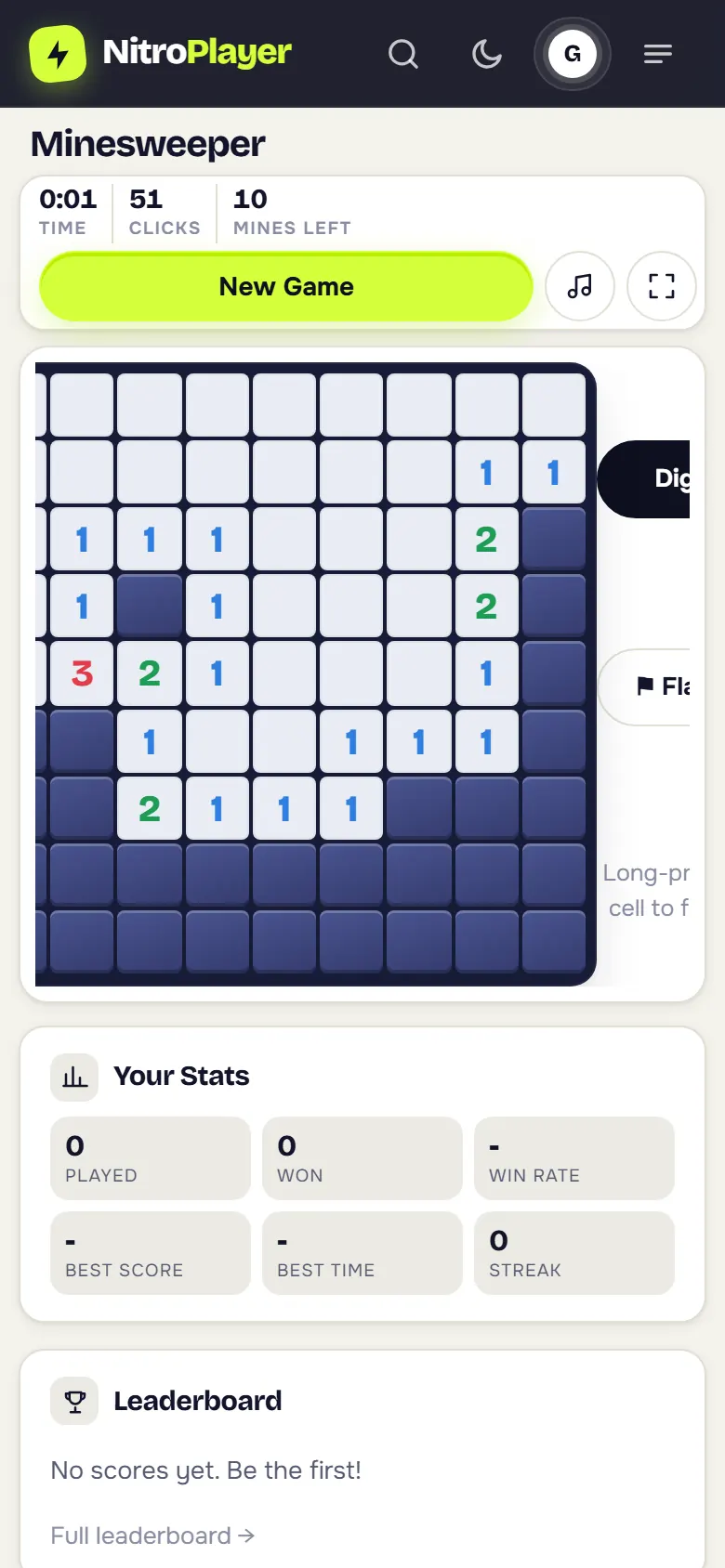
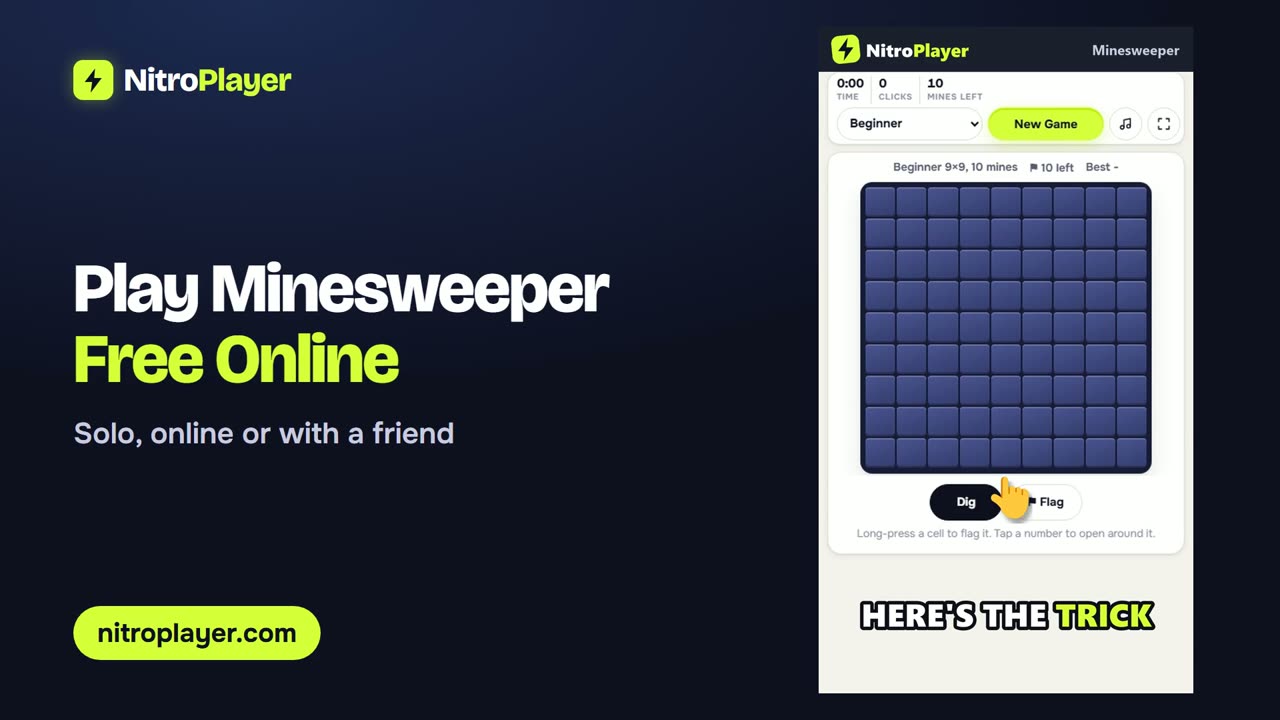
On a touch screen, tap to dig and long-press to flag; a short vibration confirms the flag on phones that support it. If you prefer single taps, switch the Dig / Flag toggle under the board. Tap a number to chord around it. Beginner and the 12 x 12 duel board fit a phone screen without scrolling, while the wide Expert board scrolls sideways inside its own frame, so the page itself stays still. To open the game in one tap, install NitroPlayer on your home screen.
A short history of Minesweeper
Mine-hunting grid games appeared on mainframes and early home computers long before Windows. The version most people grew up with arrived with Microsoft Windows in the early 1990s, where it quietly taught millions of new users to right click. Its three board sizes, 9 x 9 with 10 mines, 16 x 16 with 40 and 30 x 16 with 99, became the standard that speed players still measure themselves against.
More logic games
Enjoy pure deduction? Try Sudoku with four difficulty levels, rated chess puzzles, or the tile-merging 2048 game.