How to play Connect 4
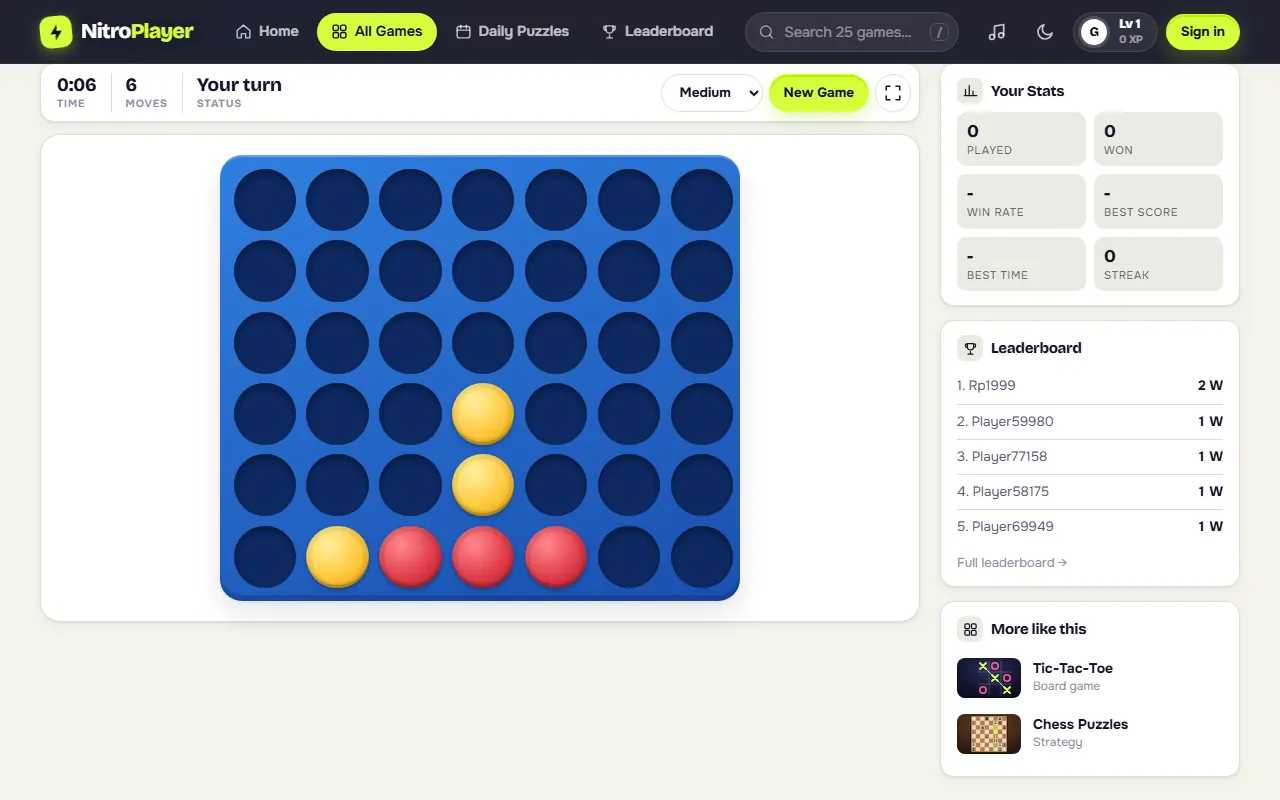
- Pick a column. Click or tap any column that still has room. Your disc slides down to the lowest empty space.
- Take turns. Against the computer you play red and always move first. The computer plays yellow.
- Line up four. Four of your discs in an unbroken line, in any direction, ends the game at once.
- Stop your opponent. Whenever yellow has three in a line with the fourth space open, fill that space before they do.
- Full board means a draw. If all 42 spaces fill up and nobody has four in a row, nobody wins.
A disc can never be moved or removed once it is played, so every drop is a commitment. That is what makes a game that takes one minute to learn worth playing for years.
Rules and computer levels
- Board: 7 columns by 6 rows, 42 spaces in total.
- Discs: 21 per player, one dropped per turn.
- Winning lines: horizontal, vertical, and both diagonals all count.
- Online games: who moves first is decided at random when the game starts.
Choose the computer's strength from the menu in the toolbar. Your choice is remembered, and changing it starts a new game.
| Level | How the computer plays | Good for |
|---|---|---|
| Easy | Drops most of its discs in random columns | Kids and first games |
| Medium | Takes a win when it has one, blocks your open threes, prefers the center | Learning to spot threats |
| Hard | Searches several moves ahead and scores every open line of four | Practicing double threats |
Every win is added to your stats, and the Connect 4 leaderboard ranks players by total wins.
Connect 4 strategy: how to win more games
Own the middle
The center column is part of more possible lines of four than any other column, so a disc there does the most work. If you move first, start in the middle. Columns next to the center come next, and the two edge columns belong to the fewest lines.
Check for threats before every move
Make it a habit: before you drop, scan the board for three of your opponent's discs with an open fourth space. Block it unless you can win on this move. Most lost games come from missing one open three.
Never play under a threat
If your opponent needs a space that is still floating in the air, do not drop a disc directly below it. Your disc becomes the floor they were waiting for.
Build two threats at once
A single threat gets blocked. Two threats at the same time win, because your opponent can only fill one space per turn. A common way to get there is the "7" shape: three in a row with a diagonal running off one end.
Odd and even rows
Count rows from the bottom. As a rule of thumb, the player who moved first benefits from threats on odd rows (1, 3, 5), and the second player from threats on even rows. When the board fills up, this decides who is forced to give up the key square.
Practice with purpose
Play Medium until you stop losing to simple blocks, then move to Hard. It punishes careless drops, which is the quickest way to start seeing the board several moves ahead.
Play Connect 4 online with a friend
Connect 4 was made for two people across a table, and the online version keeps that feel:
- Play online pairs you with whoever is available at that moment.
- Play with a friend gives you a private link. Send it in any chat app, and the game starts when your friend opens it.
- Play vs computer keeps everything on your device, at your own pace.
Online games include a small chat for emojis and quick lines like "Good luck!" or "gg", and a rematch button so you can swap colors and go again right away. A quick game takes only a few minutes, which makes it an easy one to play during a break with a friend in another city.
History of Connect 4
Connect Four was first sold in 1974 by Milton Bradley as an upright plastic grid with falling discs, and it quickly became a family favorite. Four-in-a-row games on flat boards are much older, but the vertical frame with gravity is the idea that made this one famous.
In 1988, James D. Allen and Victor Allis each showed, independently, that Connect Four is a solved game: with perfect play, the first player can force a win by starting in the center column. Humans rarely play perfectly, so in practice the game stays wide open.
Connect 4 on a phone or tablet
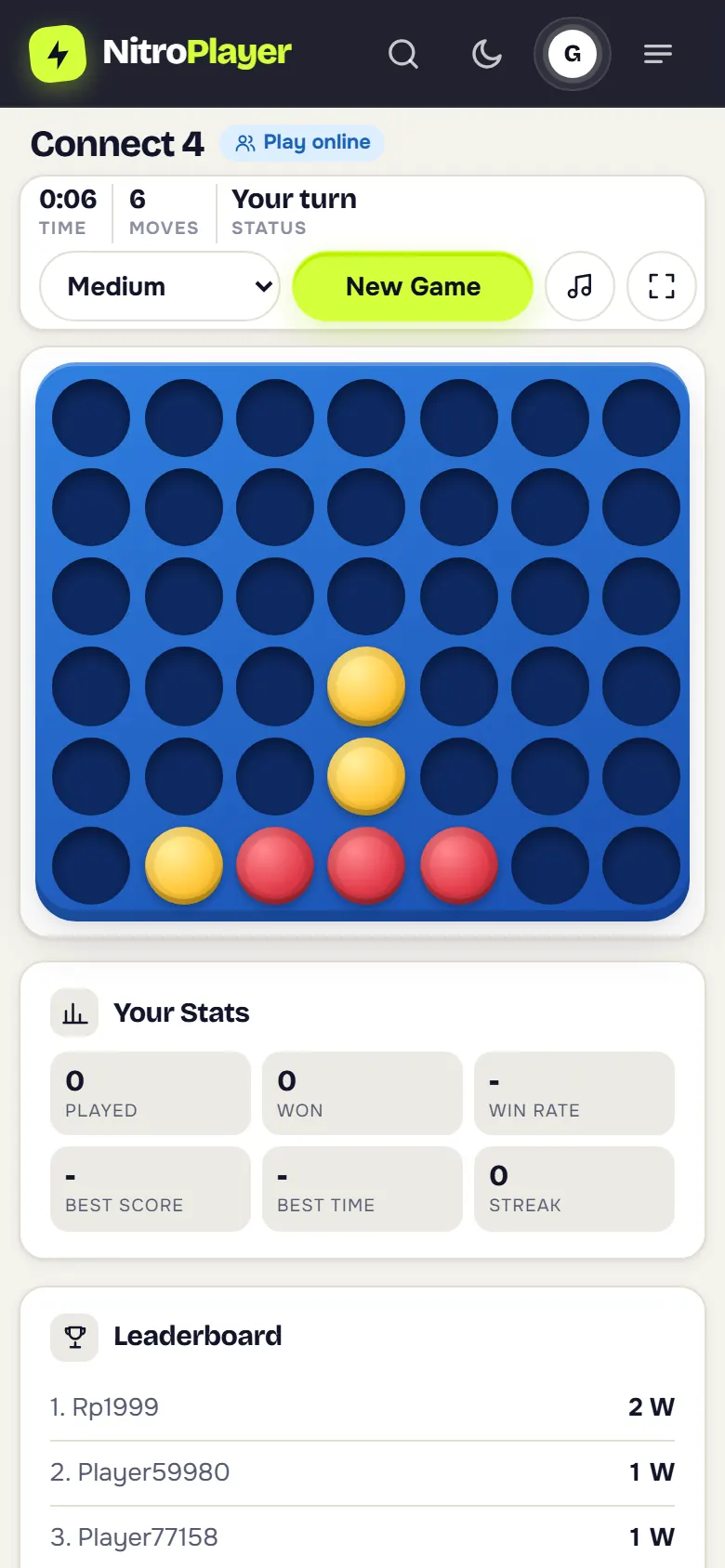
The board fits a phone screen in portrait mode, and one tap on a column is all a move needs, so there is no dragging and no misplaced discs. Games against the computer are saved as you play: lock your phone or close the tab, and the board is waiting when you come back. If you play often, add NitroPlayer to your home screen and it opens full screen like an app.
Games like Connect 4
If you enjoy lining up pieces, try the quick three-in-a-row duels of Tic Tac Toe. For deeper two player strategy, the flipping battles of Reversi and the jumps and kings of Checkers are both free to play online.