How to play the word search puzzle
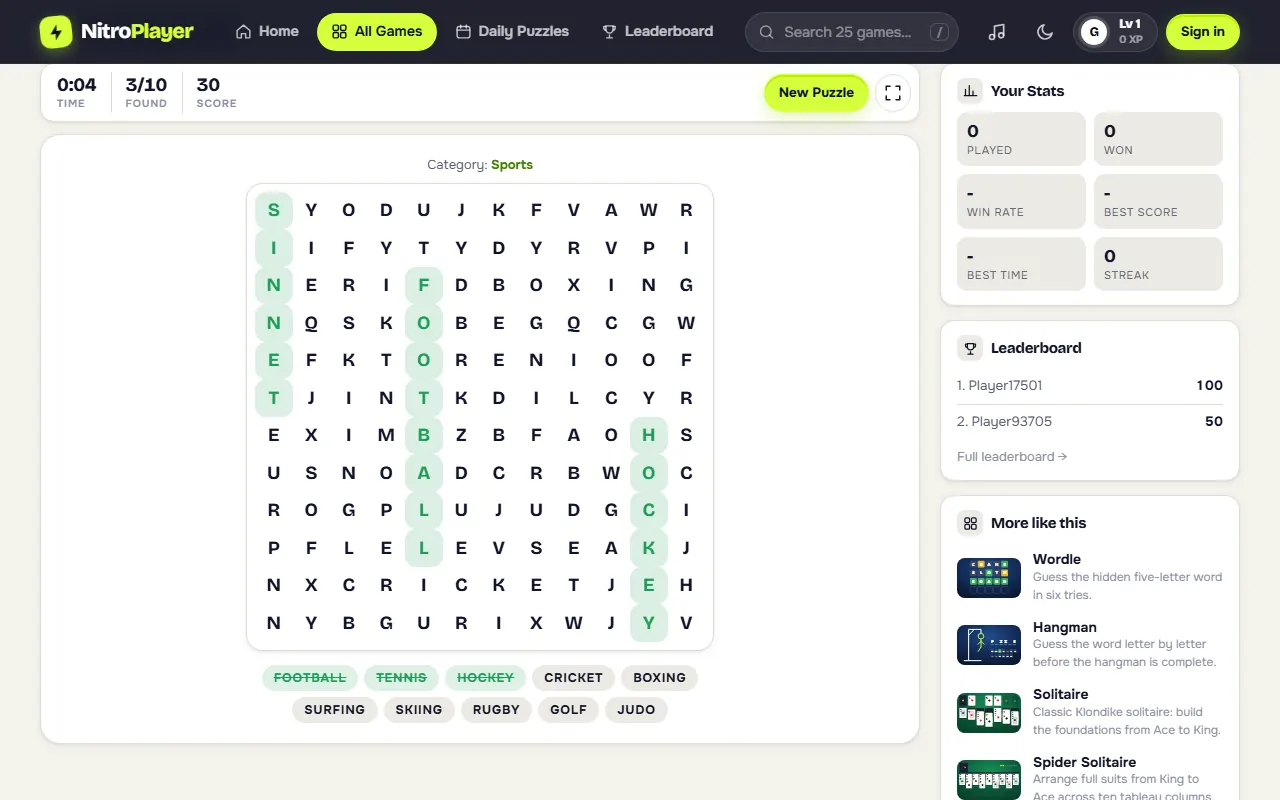
- Check the theme and list. The category sits above the grid and the 10 target words are listed below it.
- Spot a word. Find its first or last letter, then check the eight neighbors around it.
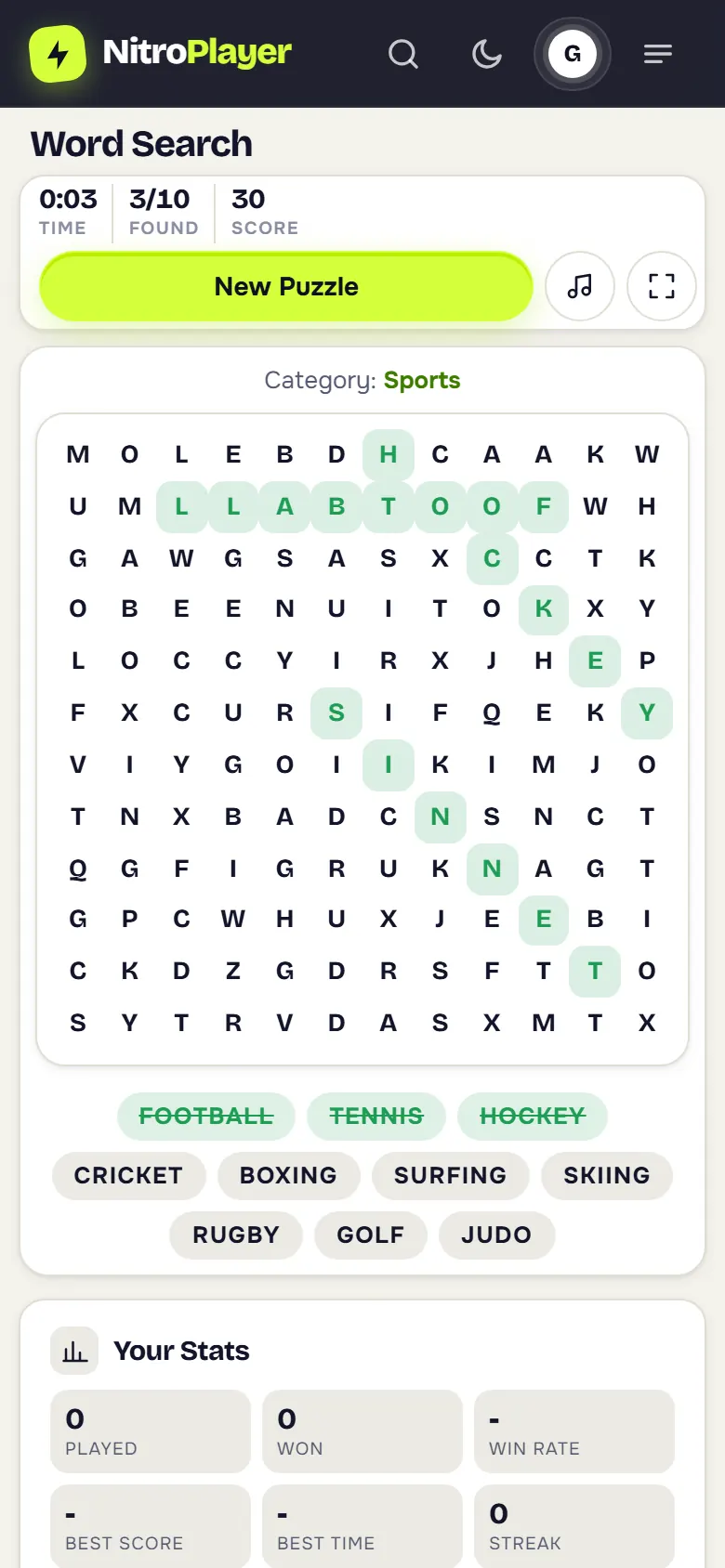
- Drag across it with a mouse or a finger. The selection snaps to straight lines: across, down or diagonal.
- Let go. If the letters spell a listed word, forwards or backwards, it stays highlighted and is crossed off the list.
- Find all 10 to finish and freeze the timer.
Grid, directions and themes
| Detail | In this game |
|---|---|
| Grid | 12 by 12 letters |
| Words per puzzle | 10, picked at random from one theme's list of 15, and every one is always placed in the grid |
| Directions | Solo and daily puzzles: forwards only (left to right, top to bottom, and the two diagonals that read left to right). Duels: all eight directions, backwards included |
| Overlaps | Words may cross and share a letter |
| Themes | 15: Animals, Countries, Sports, Food, Fruits, Ocean, Space, Music, Weather, Jobs, Colors, Kitchen, Nature, Vehicles and Birds |
| Filler | Random letters in every empty cell |
Each theme has a pool of 15 words, and every puzzle draws 10 of them at random, so even a familiar theme brings a different list. The layout is rebuilt every game too, and the grid is only used once all 10 words fit, so no listed word is ever missing. The toolbar shows the time, the words found out of 10 and your score.
Scoring and times
Every word found is worth 10 points. Finish the grid and you add a time bonus that starts at 600 and drops by one point for every second on the clock, so a quick solve can score several hundred more than a slow one. Speed is the real measure: the word search leaderboard ranks players by their best time, fastest first, your best time shows in your stats, and daily results are ranked by time as well.
Word find tips that save seconds
- Chase rare letters. Z, X, Q, J and K are rare in the filler, so ZEBRA, KOALA, JUDO and PIZZA tend to jump out.
- Look for doubles. The FF in GIRAFFE or the LL in FOOTBALL stands out among single letters.
- Scan systematically. Sweep row by row for a target's first letter, then follow it to the right, downwards and along the diagonals.
- Select from either end. Dragging from the last letter back to the first also counts, which helps in duels, where words can read backwards.
- Take long words first. ELEPHANT and FOOTBALL cross much of the grid and are easier to catch than four-letter words.
- Use odd pairs. Combinations like PH, GH or WH are easier to see than one common letter.
- Check diagonals on purpose. Eyes naturally scan across and down; diagonal words hide the longest.
- Do not ignore found areas. A highlighted letter can belong to a second word.
- Leave short words for last and hunt their exact pairs, like GO in GOLF or TA in TACO.
Daily word search
Once a day there is one shared grid, identical for every player and ranked by time. Open it from the daily puzzles page, where it sits alongside the daily Sudoku, Solitaire, Mahjong, FreeCell, Minesweeper and five-letter word puzzle. Finishing any daily puzzle keeps your streak alive, and after you finish you can send a challenge link so a friend tries the same grid.
Word search duel rules
A duel turns the hunt into a race. Play online with whoever is available, or send a private link to a friend.
- Same grid and list for both players.
- First to find all 10 wins.
- 5 minutes on the clock. If nobody finishes, the player with more words wins; on equal counts, whoever reached that count first.
- Live progress. You see which list words your opponent has found, not where they are.
Duels work across devices, so a grandparent on a tablet can race a grandchild on a laptop, each on their own screen.
Word search on a phone or tablet
Selection is built for touch: put a finger on the first letter, slide to the last and lift. The grid scales to the width of the screen so all 144 letters stay readable, and the found words stay highlighted as you go. Progress is saved after your first find, so you can pocket the phone and finish later. To launch it from the home screen, install NitroPlayer as an app.
A brief history of word search
Word search grids spread through American newspapers and puzzle magazines in the late 1960s; the format is often credited to Norman E. Gibat, who published one in 1968. Easy to make and relaxing to solve, they moved quickly into puzzle books and classrooms. If you like word puzzles with a little more deduction, try the guess the word game Hangman.