NitroPlayer for Chrome: Classic Games in Your Toolbar, Even Offline
NitroPlayer for Chrome is a free browser extension that puts our classic games in your toolbar: click the icon and Solitaire, Mahjong, Sudoku, chess puzzles and the rest open right there in a small window. The games are built into the extension, so they work even without an internet connection, and your game is saved when you close it.
Key points
- One click: the games open from the NitroPlayer icon in your toolbar, no tab needed.
- Works offline: every game is inside the extension, so a train or a plane is no problem.
- Your game waits for you: close the window anytime and carry on later exactly where you stopped.
- Free, no account: nothing to sign up for, and the extension does not collect your data.
- Want a real opponent? Play online opens nitroplayer.com, where you can play someone or invite a friend with a link.
Add NitroPlayer to Chrome, freeFree, no account. Works in Chrome and Microsoft Edge on Windows, Mac, Linux and Chromebook.
What the extension does
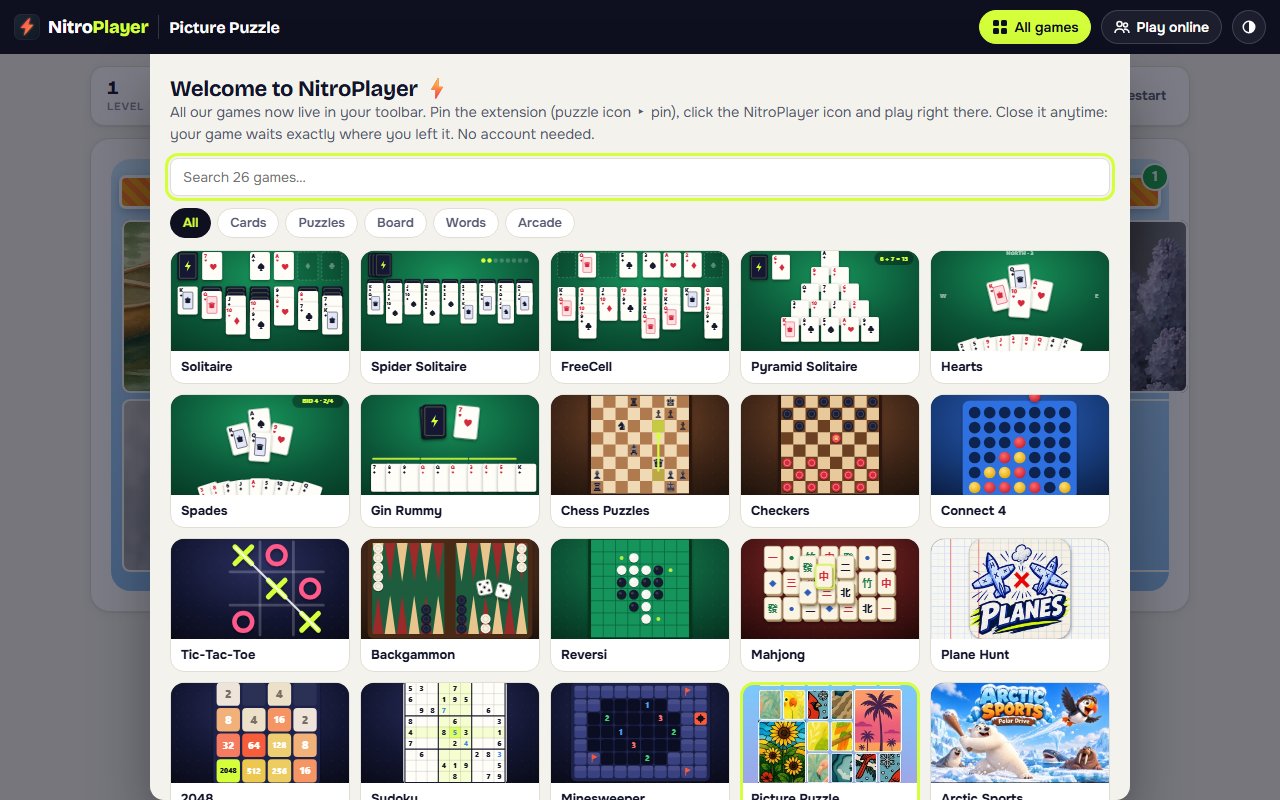
Once it is installed, a small NitroPlayer icon sits next to the address bar. Click it and a game opens in a window right below, with the same boards, hints and undo you know from the site. Pick another game from the list at any time.
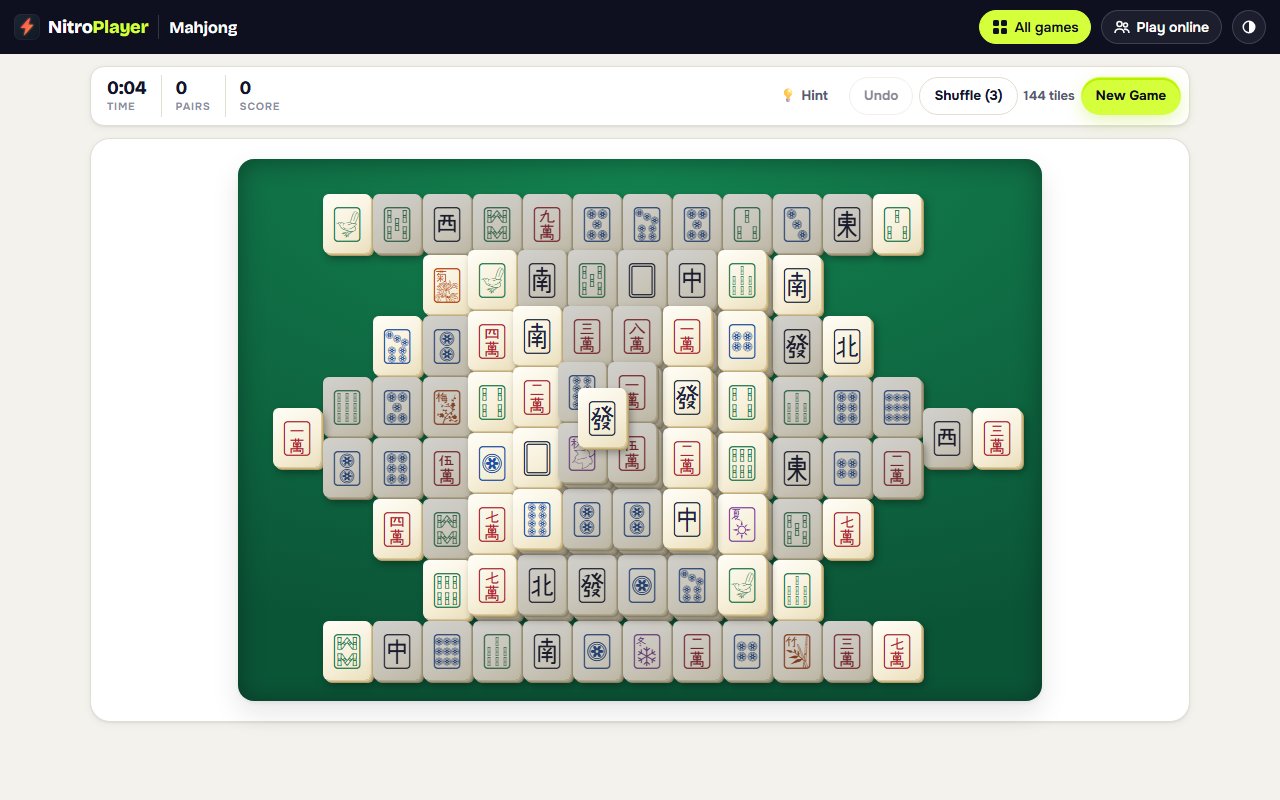
Need more room? One click opens the same game in a full browser tab, and it carries on from the same move.
How to install it (one minute)
- Open NitroPlayer on the Chrome Web Store and click Add to Chrome.
- Confirm with Add extension.
- Click the puzzle-piece icon next to the address bar and pin NitroPlayer, so its icon is always one click away.
That is all: no account, no settings. It works in Google Chrome and in Microsoft Edge (which installs extensions from the Chrome Web Store too), on Windows, Mac, Linux and Chromebook.
What is inside
All our classic games, sorted the same way as on the site:
- Card games: Solitaire (Klondike), Spider Solitaire, FreeCell, Pyramid Solitaire, Hearts, Spades and Gin Rummy.
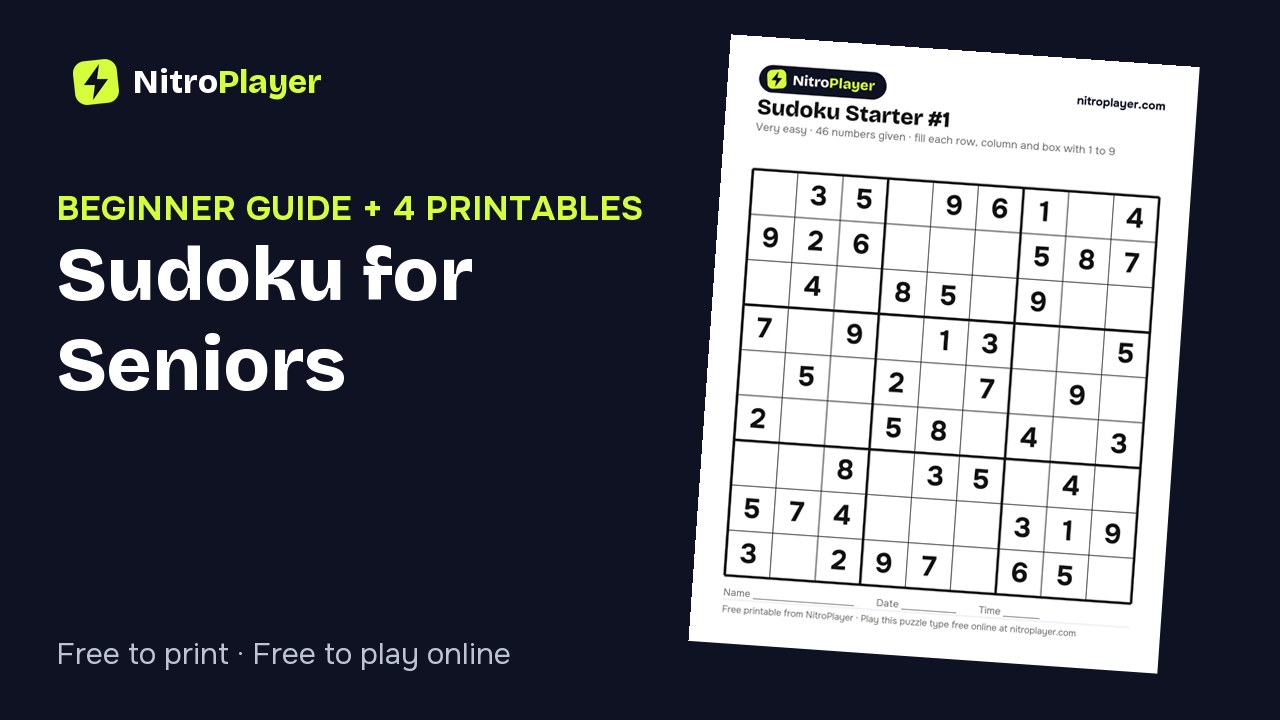
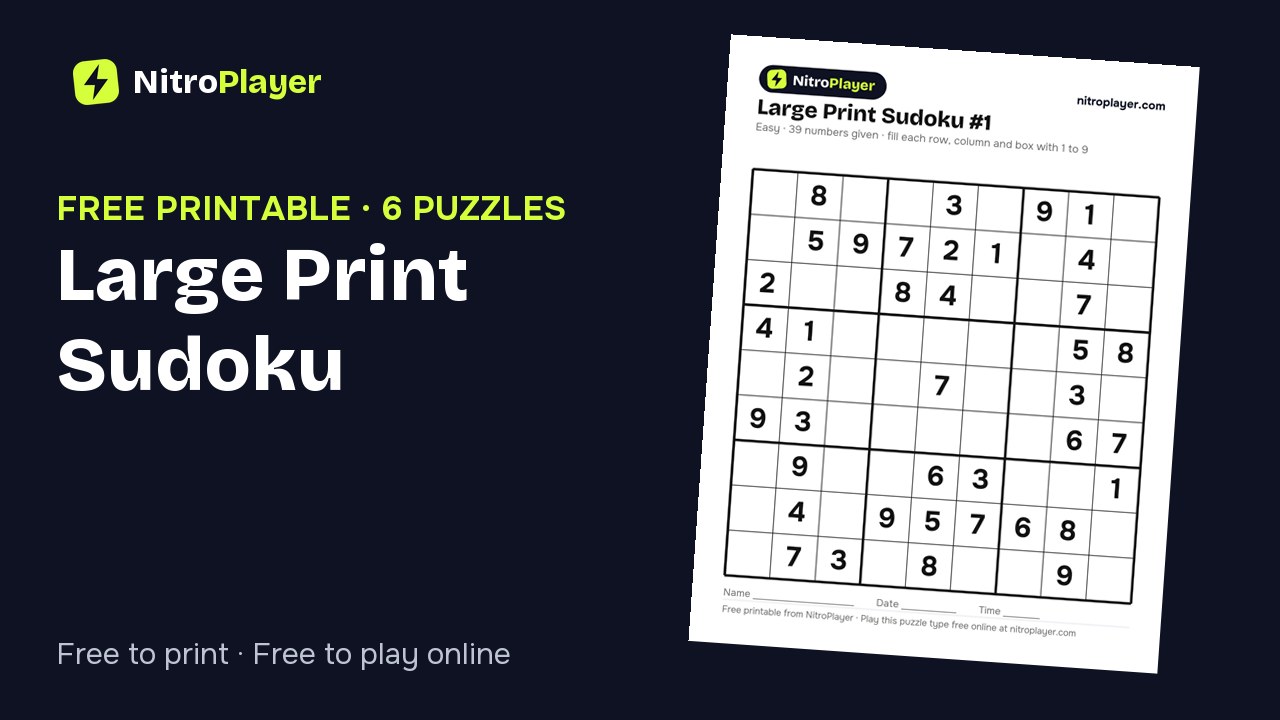
- Puzzles: Mahjong Solitaire, Sudoku, Minesweeper, 2048, Picture Puzzle and Memory Match.
- Board games: chess puzzles, checkers, backgammon, reversi, four in a row and tic-tac-toe, against the computer at the level you choose.
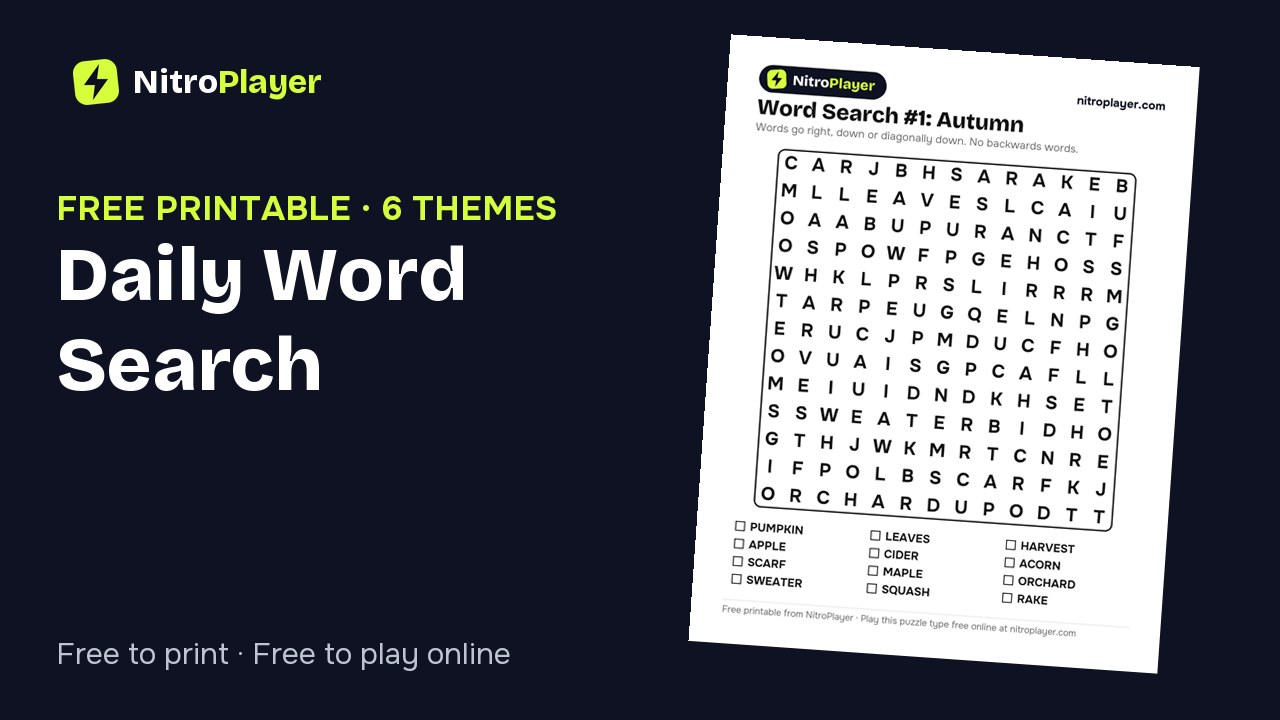
- Word games: word search, a five-letter word guessing game and hangman.
- Quick arcade games for a short break.
Card and tile deals can always be solved, every game has several difficulty levels, and there is a dark mode for evening play. New layouts and new games arrive through automatic updates.
Playing offline, and your saved games
The games are not loaded from the internet each time: they are part of the extension. Open one on a flight, in a waiting room with no Wi-Fi or on a slow connection, and it plays exactly the same.
Your progress is saved as you play. Close the window in the middle of a Solitaire deal or a Sudoku, and the next time you open it the game is waiting, with the same cards and the same numbers.
Playing with other people
The extension is for playing on your own against the computer. When you want a human opponent, the Play online button opens nitroplayer.com, where you can play whoever is available or send a friend a private link to the same game: a duel of Solitaire, a game of checkers with a grandchild, or the same daily puzzles as everyone else.
Frequently asked questions
Is the NitroPlayer Chrome extension free?
Yes. It is free to install and free to play, with no account and no sign-up.
Does it work without internet?
Yes. Every game is built into the extension, so you can play offline. Only the online modes (playing other people or a friend) need a connection, and they open the website.
Does it work in Microsoft Edge?
Yes. Edge can install extensions from the Chrome Web Store: open the store page in Edge, allow extensions from other stores when Edge asks, and click Add to Chrome.
Does the extension read my browsing or my data?
No. It asks for no special permissions, does not read the pages you visit and does not collect personal data. It only stores your game progress on your own computer.
How do I remove it?
Right-click the NitroPlayer icon in the toolbar and choose Remove from Chrome. Your games on nitroplayer.com keep working as before.